Displaying routes from various depots
In the Routing Workspace interface, you can simultaneously monitor routes that start from different depots. To do this:
-
In the upper-left corner of the screen, click the company name. You'll see a list of depots available for selection.
To add a new depot to the list, go to Settings → Depots and click Create a depot. For more information, see Adding a depot.
By default, all depots are selected. They are marked with the icon.
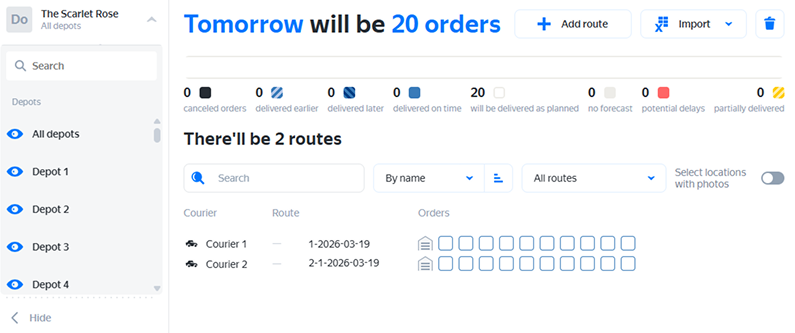
-
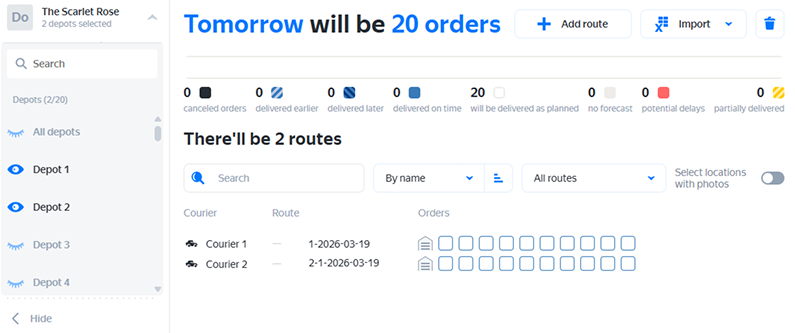
Specify the depots you want to monitor routes for.
If necessary, use the search bar.
The depots you selected will be marked with the icon, and the rest — with the icon. In the upper-left corner of the screen, you'll see how many depots are selected.
Was the article helpful?
Previous
Next