Mouse gestures
Enable gestures
By default, mouse gesture support is disabled in the Yandex Browser settings. To use mouse gestures:
- Click → Settings → Tools.
- Under Mouse gestures, select Enable.
Mouse gestures
Hold down the right mouse button to perform gestures. Then release the button after you complete the gesture.
Alert
If you are using a one-button mouse in macOS, you need to perform all gestures by holding down the Ctrl key and the mouse button.
Mouse gestures
|
Go back to the previous page |
||
|
Go to the next page |
||
|
Restore the last closed tab |
||
|
Close tab |
||
|
Other |
Refresh page |
|
|
Open the Tableau and put the cursor in the SmartBox |
Button combinations
Button combination
|
Go back to the previous page |
|
|
|
Go to the next page |
|
Mouse wheel
|
Increase page zoom |
Press Ctrl and scroll the mouse wheel forward. |
|
|
Decrease page zoom |
Press Ctrl and scroll the mouse wheel back. |
Disable gestures
- Click → Settings → Tools.
- Under Mouse gestures, deselect Enable.
Note
You can't disable mouse gestures that are part of the operating system:
- Zoom gestures.
- Swiping left and right in macOS.
To disable swipe gestures on macOS, click → System Preferences → Trackpad → More Gestures and disable the Swipe between pages option.
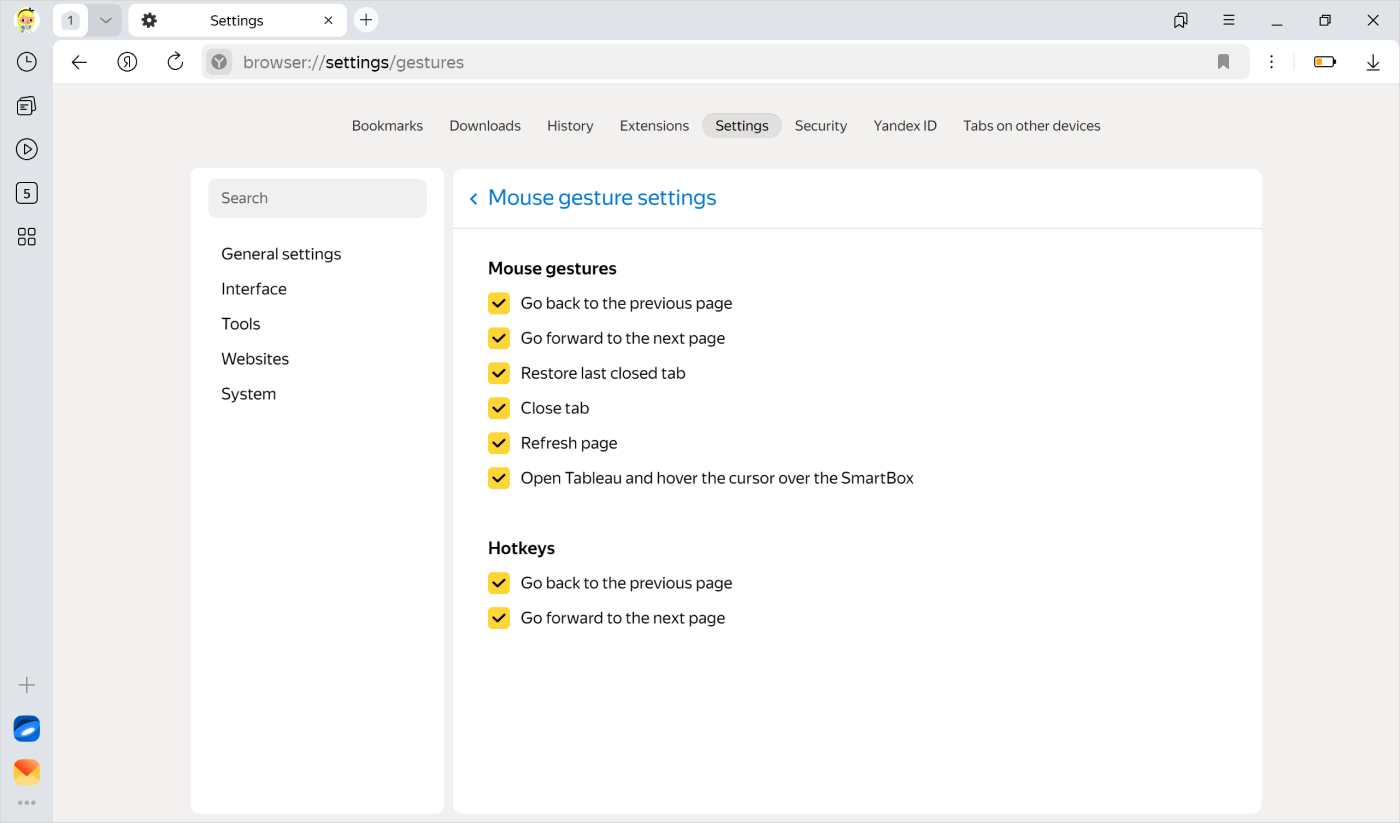
Gesture settings
You can disable specific gestures or hotkeys.
-
Click → Settings → Tools.
-
In the Mouse gestures section, click Mouse gesture settings.
-
Disable the unwanted options.
Learn more
Questions
You can enter search queries in the address bar and Yandex Browser will understand what you need.