Yandex Forms release notes: August 2026
- Test result ranges
- MCP server for AI assistants
- Correct and incorrect answers in test statistics
- Automatic actions based on test results
- Form filling time in responses
Test result ranges
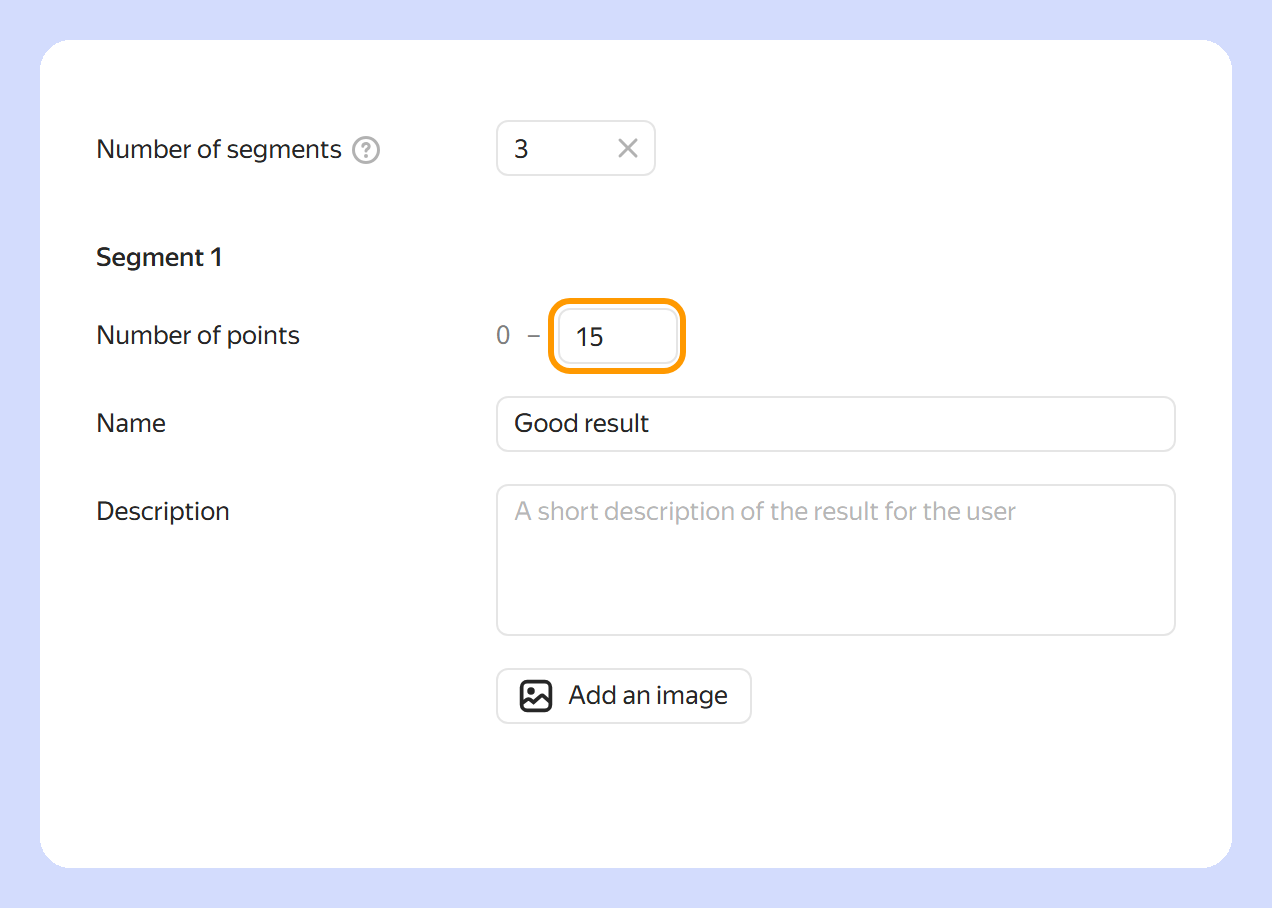
You can now set an upper point limit for test or quiz result segments. Yandex Forms calculates the lower limit automatically, and the maximum possible test score is used for the last segment. Set up scoring
MCP server for AI assistants
Yandex Forms now has a public MCP server. It lets you connect Forms to AI assistants and corporate systems. The assistant can create and edit forms and questions, configure question display conditions, and fill out forms. For more information, see Yandex Forms MCP server.
Correct and incorrect answers in test statistics
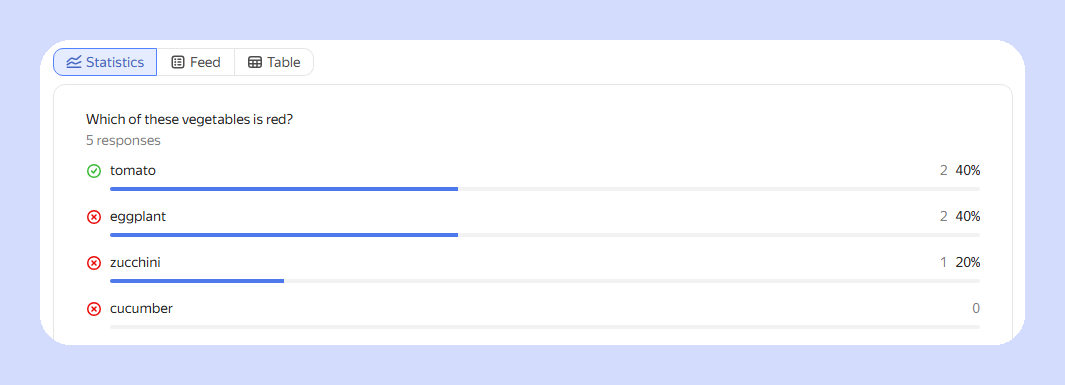
Test response statistics now show which answer options are correct and which are incorrect. View response statistics
Automatic actions based on test results
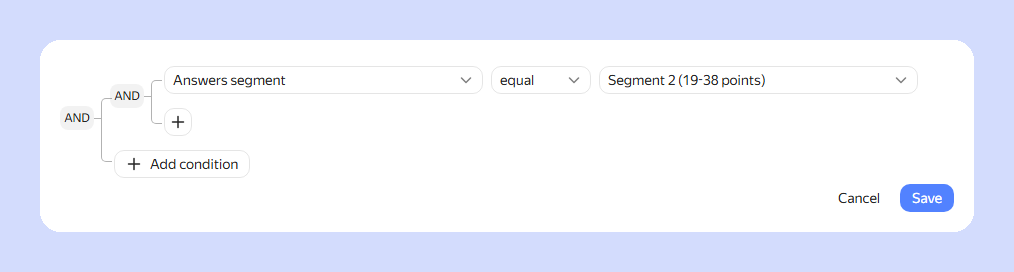
Integrations can now be triggered based on test or quiz results. For example, you can send an email to a participant if their result falls within the selected segment. Set up an integration trigger condition
Form filling time in responses
Yandex Forms now saves the start time and duration of form filling. The response table displays the form filling start time, filling duration, and response submission time. You can also export the start time and filling duration to a file. How to get form responses
New variables are also available for integration settings: Time of sending the answer, Start time of filling in, and Filling time in seconds. You can use them when configuring automatic actions. List of available variables