Contact customer service
In the Yandex Direct mobile app, you can contact support via chat:
-
Go to the user profile and tap Support.

-
Select Support chat.

When you receive a reply in the chat, you'll get a push notification, and the Support section will show the number of unread messages.
Have questions?
Alert
Our customer support can only assist you with campaigns linked to the username you are contacting us from. Our team can access your data only when processing your request. To access your campaigns, our support team will need a PIN, which you can find in the user profile within the app.
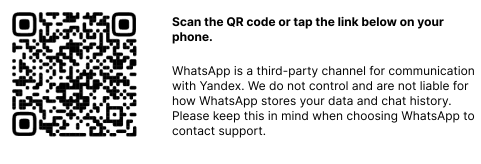
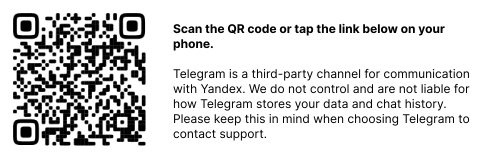
Scan the QR code or tap it to follow the link.
Message us on WhatsApp
Message us on Telegram
Was the article helpful?
Previous
Next