Dashboards in the Tracker mobile app
A dashboard is a page where you gather issues, metrics, and other important data. You can find the key concepts for working with dashboards on the Dashboards page.
Warning
Currently, the mobile app only lets you view dashboards. To create or edit a dashboard, use the desktop version of Tracker.
Opening the list of your dashboards
-
Go to the home page .
-
In the upper-right corner, tap and select Dashboards.
-
To find the dashboard you need, use the filters at the top of the screen: All, Favorites, Created by me, or Recently viewed. To search for a dashboard by name, tap in the upper-right corner and enter text in the search box.
Working with a dashboard
-
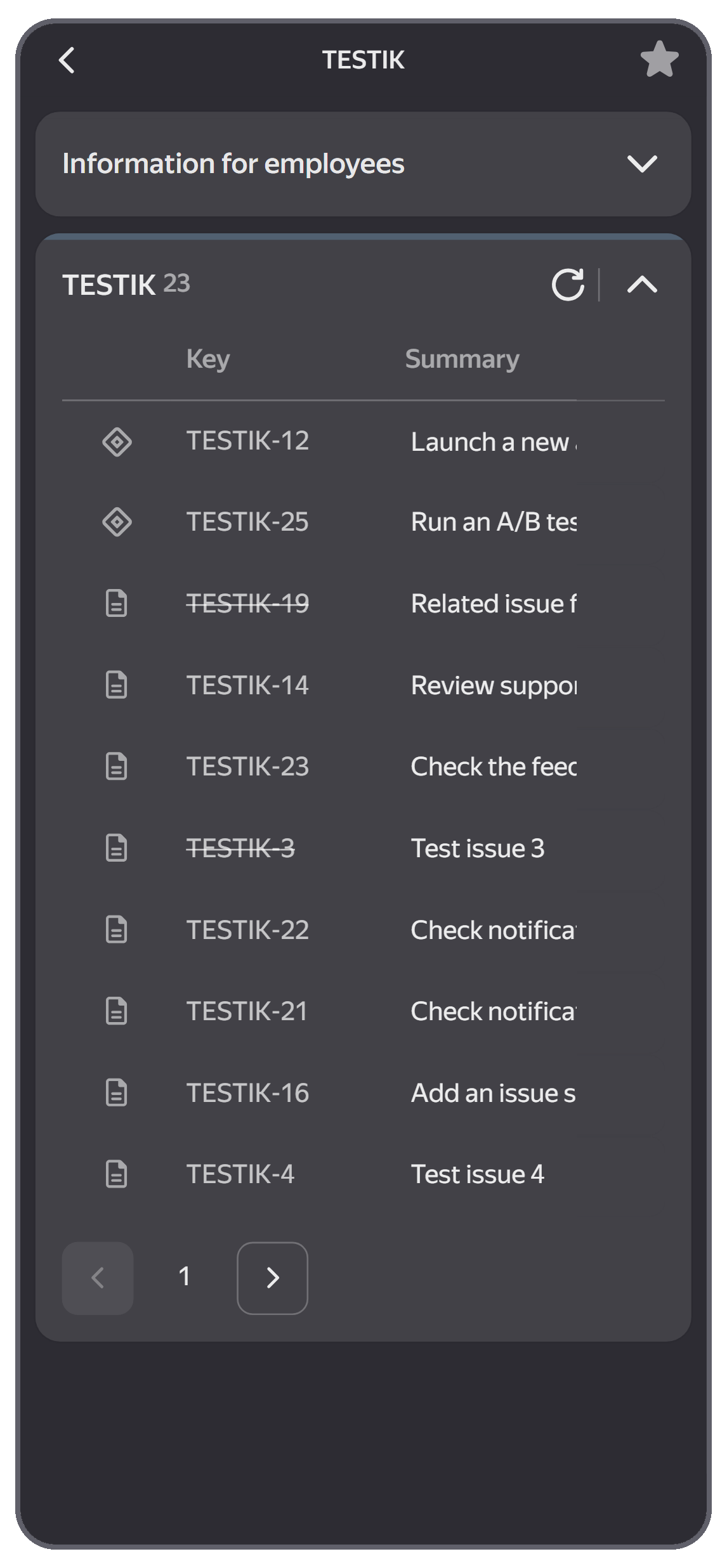
To add a dashboard to favorites, tap in the upper-right corner.
-
To collapse or expand a widget, tap it.
-
To refresh the widget data, tap in the widget header.
-
To go to an issue, project, or portfolio from a widget, tap the element you need in the list.