How to log in to Tracker on a mobile device
Check with your organization's administrator which login method you should use.
Simple login
Identity federation
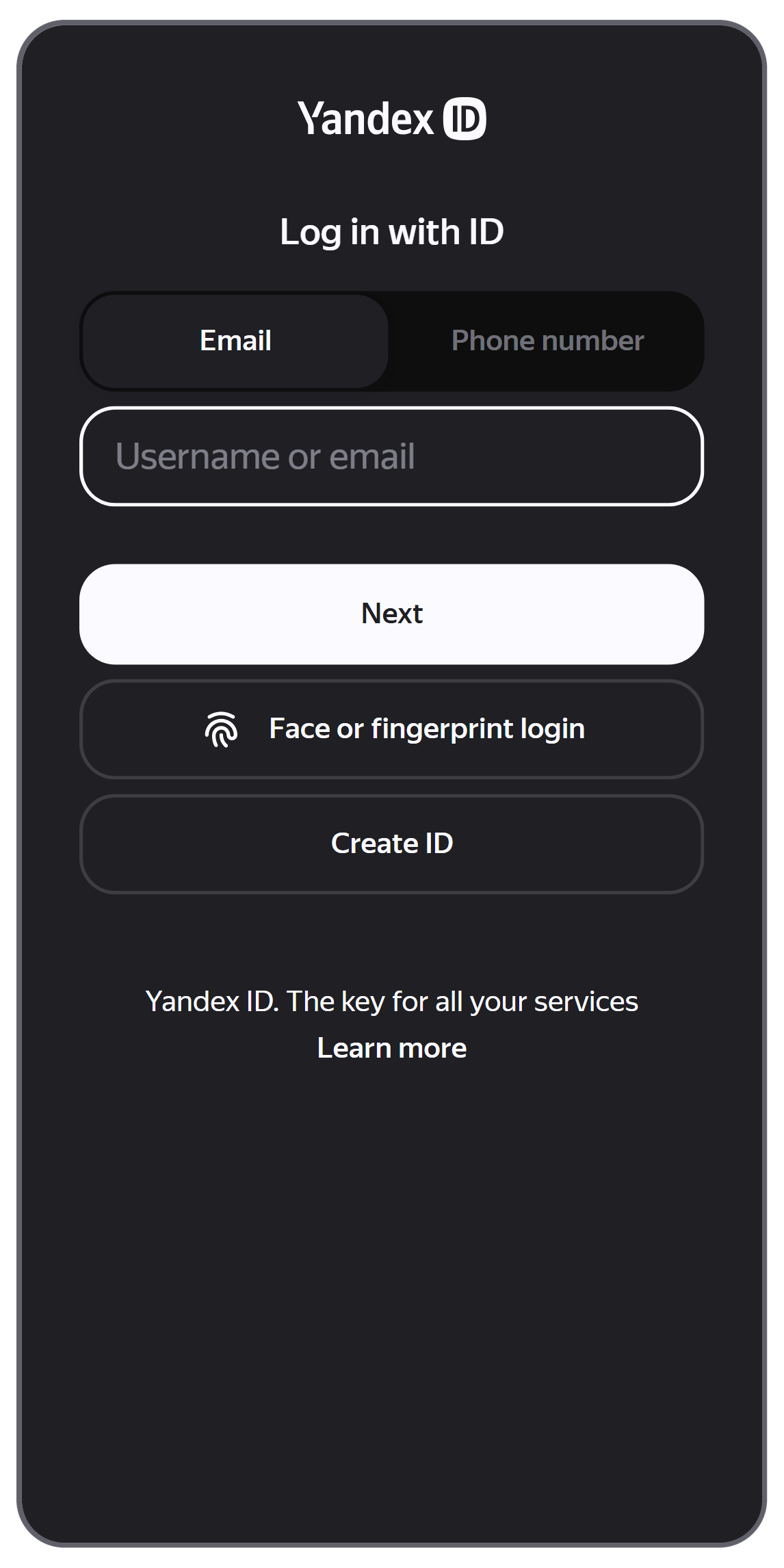
- Open the app and tap Log in.
- Log in to your corporate account.
- If the organization invited you using your personal account, enter your username in
loginorlogin@yandex.comformat.
You can also find your account by your phone number. - If the organization created a corporate account for you on its domain, enter your corporate email in
login@domain.comformat.
Do not use your phone number to log in to this account.
- If the organization invited you using your personal account, enter your username in
- Tap Log in and enter your password.
- Tap Log in once again.
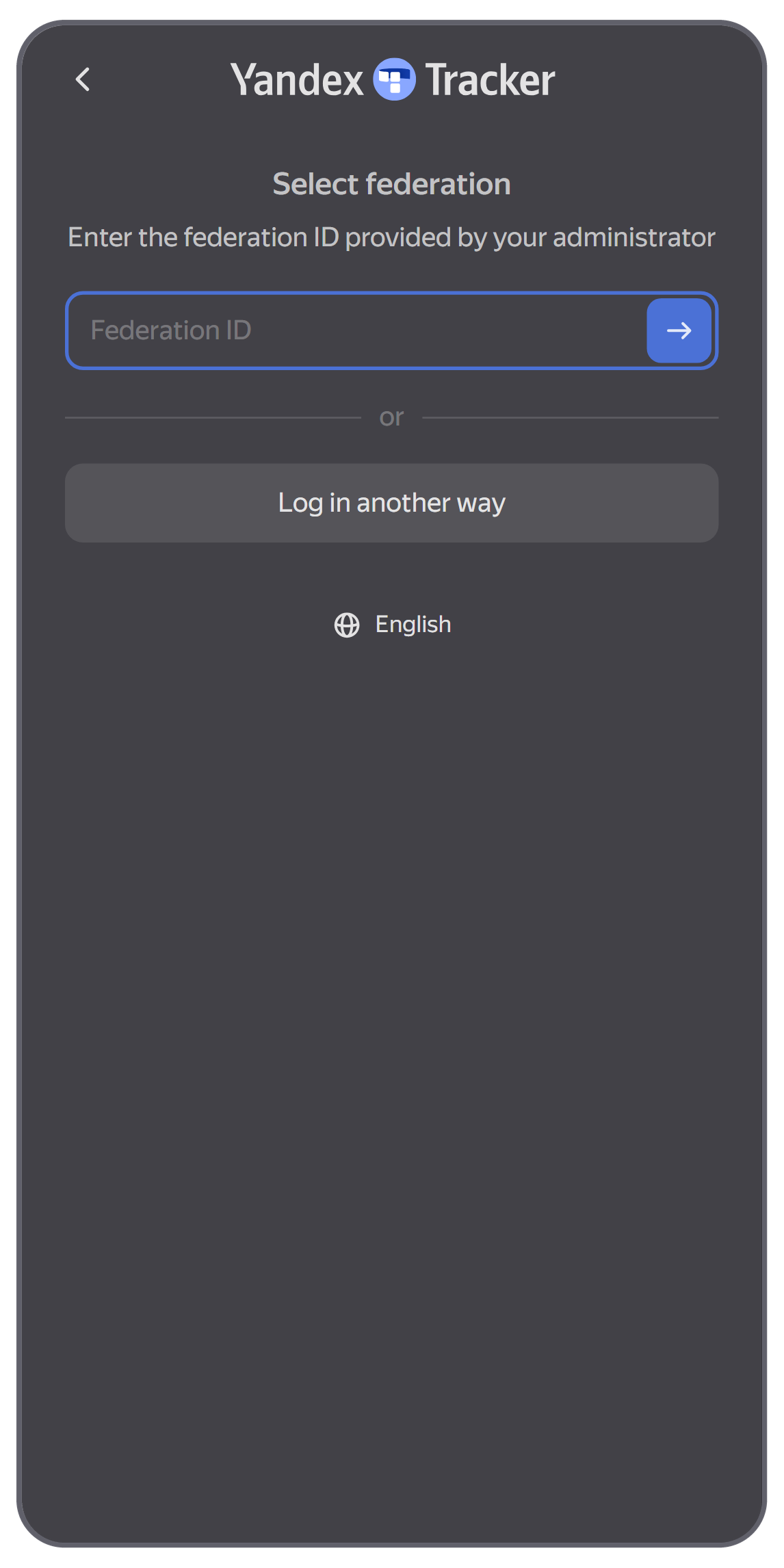
- Open the app and tap authenticate via SSO.
- Enter the federation ID provided by your administrator and tap the arrow.
-
In the Email field, enter your corporate email in
login@domain.comformat.
Do not use your phone number to log in to your corporate account. - Tap Log in and enter your password.
- Tap Log in once again.
Switching organizations
If your Yandex account is associated with multiple organizations, you'll see the last one you used. To switch to a different organization:
- Go to your profile by tapping at the bottom of the screen, then tap the name of your current organization.
- Select an organization from the list or create a new one.
Switching user accounts
If you're working in Yandex Tracker using multiple accounts, you can switch between them:
-
To the right of your profile picture, tap Switch accounts.
-
Choose a login method:
- Log in using Yandex ID: Log in using your Yandex account or the email address on your organization's domain.
- authenticate via SSO: Log in using an identity federation.
-
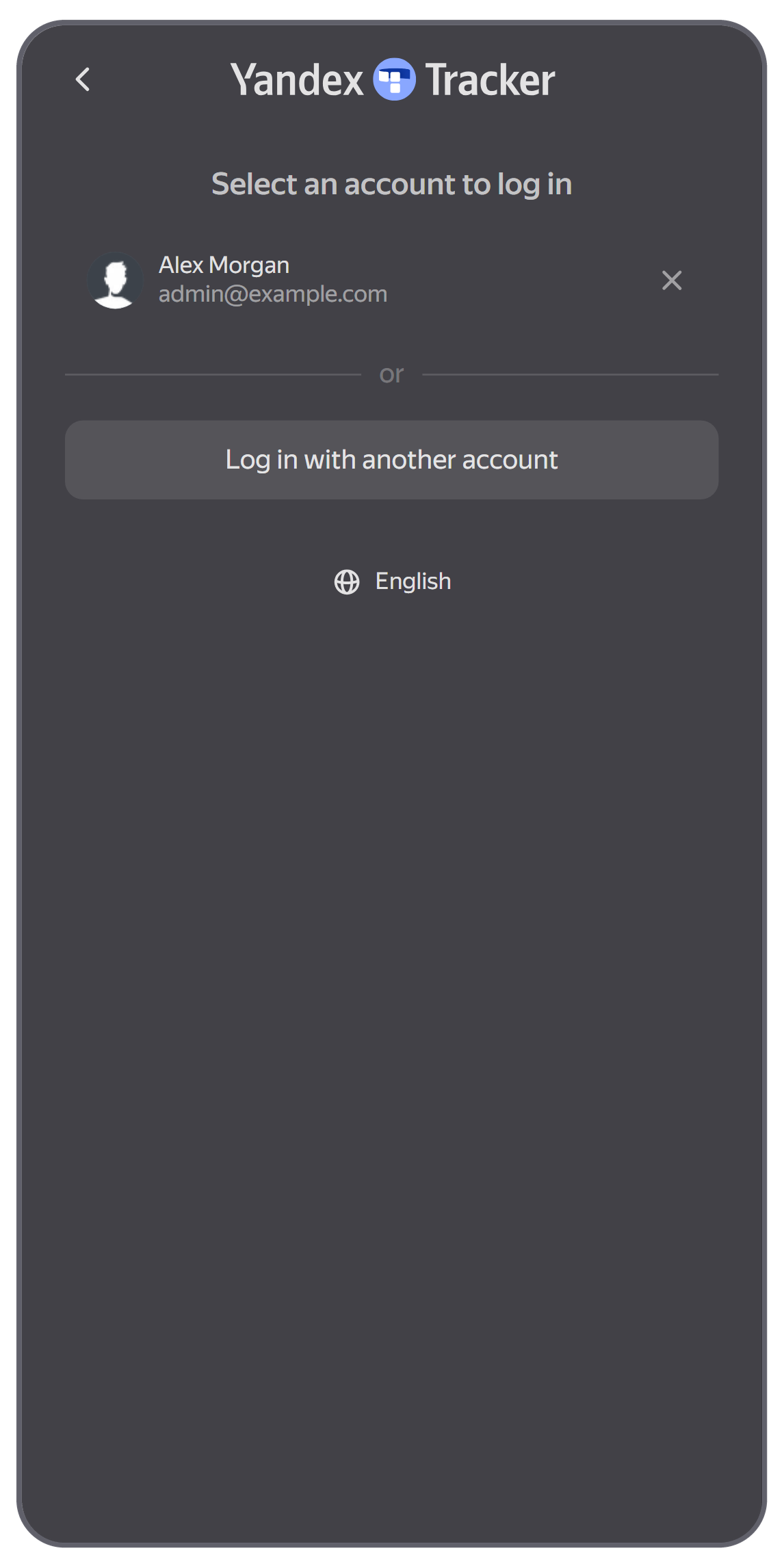
A list of accounts you've logged in to on this device appears. Select a profile from the list or log in with a new one.
If you don't want your account to appear on this list, in your profile, tap Log out instead of .
Was the article helpful?
Previous