Yandex Tracker changelog for September 2026
- Customizing the menu
- Added hierarchy to issue lists
- Enabling plugins for yourself and queues
- Tracker MCP server
- Tracker CLI
- Publishing plugins in the public catalog
- New ways to work with the issue list
- Queue icon and cover
- Searching for projects and goals by participant or owner
Customizing the menu
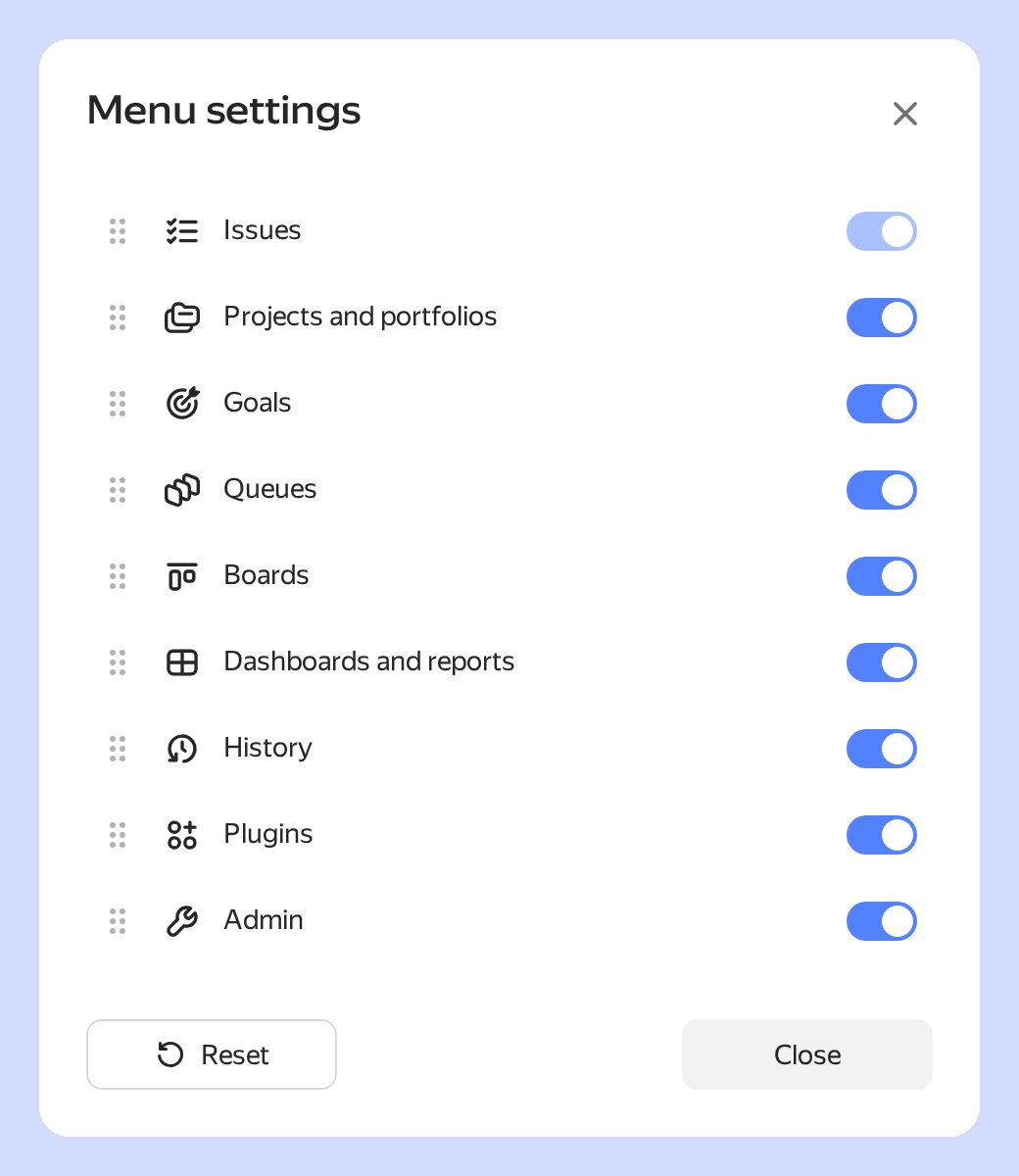
You can now choose which sections appear in the menu and change their order. These settings apply only to you and don't affect other users' menus. How to customize the menu
Added hierarchy to issue lists
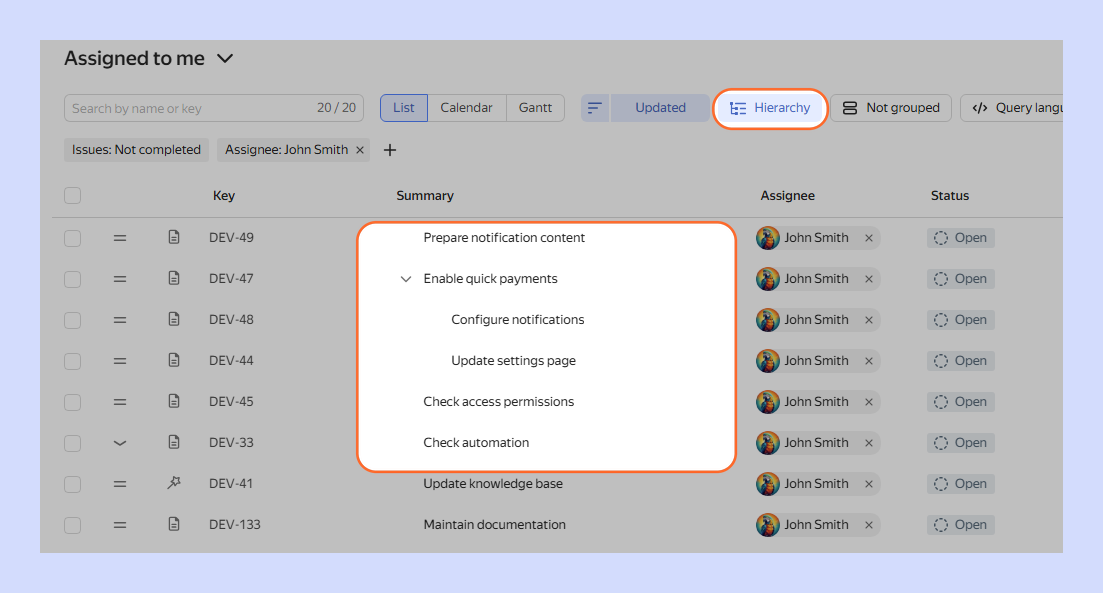
Search results and issue lists on queue and project pages now have hierarchy mode. It arranges issues in a tree based on Parent issue — Sub-issue and Epic — Issue links. In this view, you can expand branches, create sub-issues, and change parent links. How to work with issue hierarchy
Enabling plugins for yourself and queues
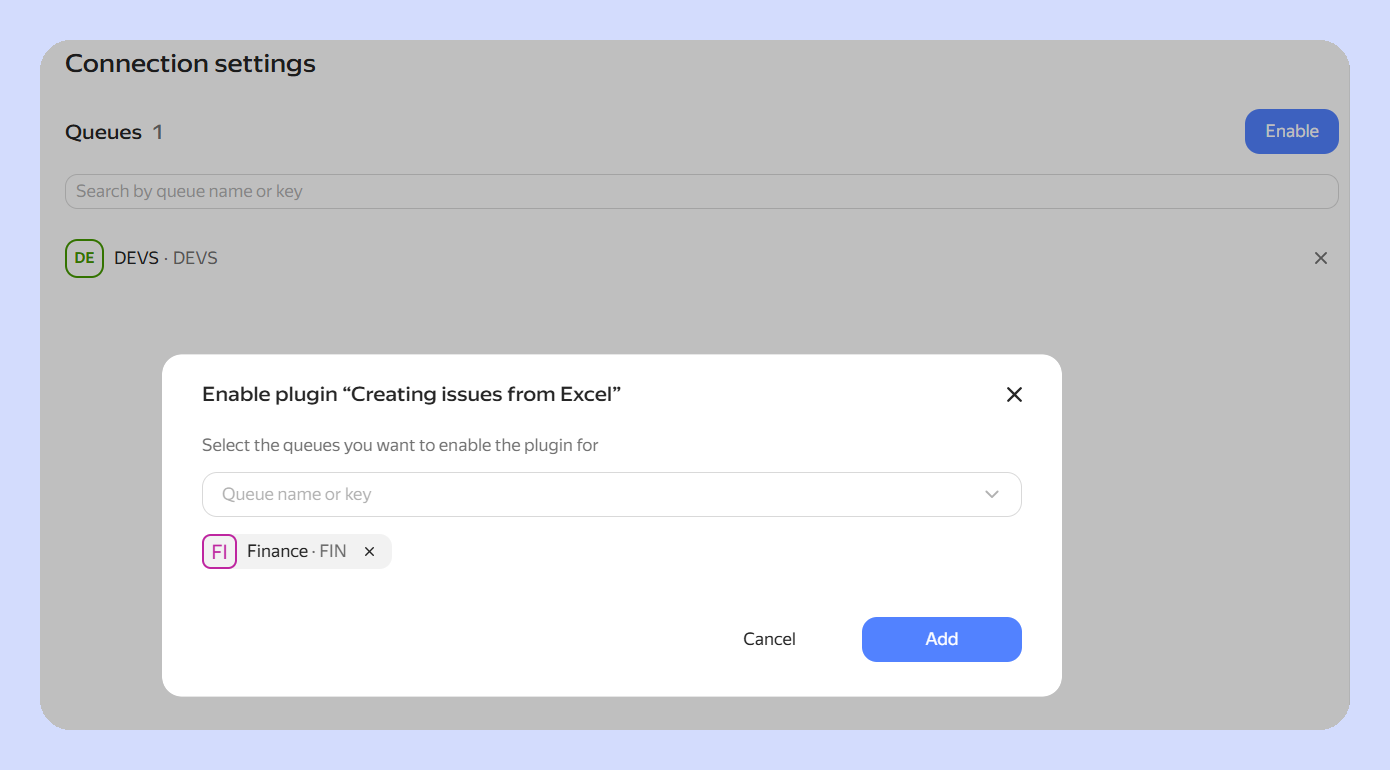
You can now enable a plugin for yourself and for a queue at the same time.
A Tracker administrator can enable a plugin for all organization users and for selected queues.
For details, see How to connect and use plugins and How to manage plugins in an organization.
Tracker MCP server
Connect Tracker to an AI assistant through the MCP server. The assistant only receives data that you can access and asks for confirmation before irreversible actions.
For details, see Tracker MCP server.
Tracker CLI
Install the ytracker CLI to work with issues from the terminal. The utility can be installed on macOS, Linux, and Windows. Use it to work with issues and send direct requests to the Tracker API.
For details, see Tracker CLI.
Publishing plugins in the public catalog
You can now submit a plugin for Yandex moderation and publish it in the public catalog. To do this, update the CLI to version 1.0.8 or later and run weavix submit --public. After approval, the plugin will become available to users in all organizations.
The weavix info command displays moderator comments for a plugin version with the author's name and date. Comments aren't displayed in the output of weavix list.
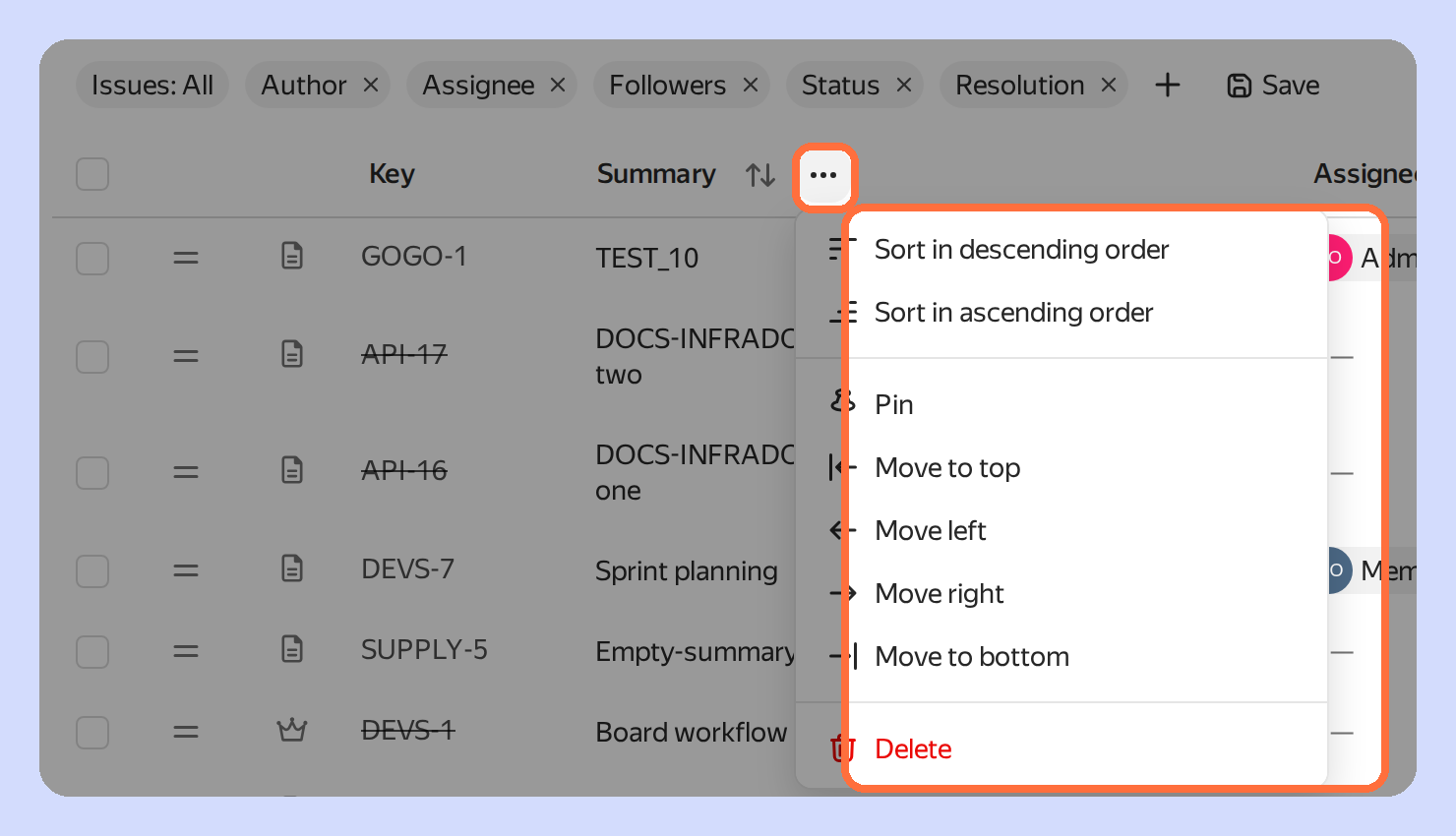
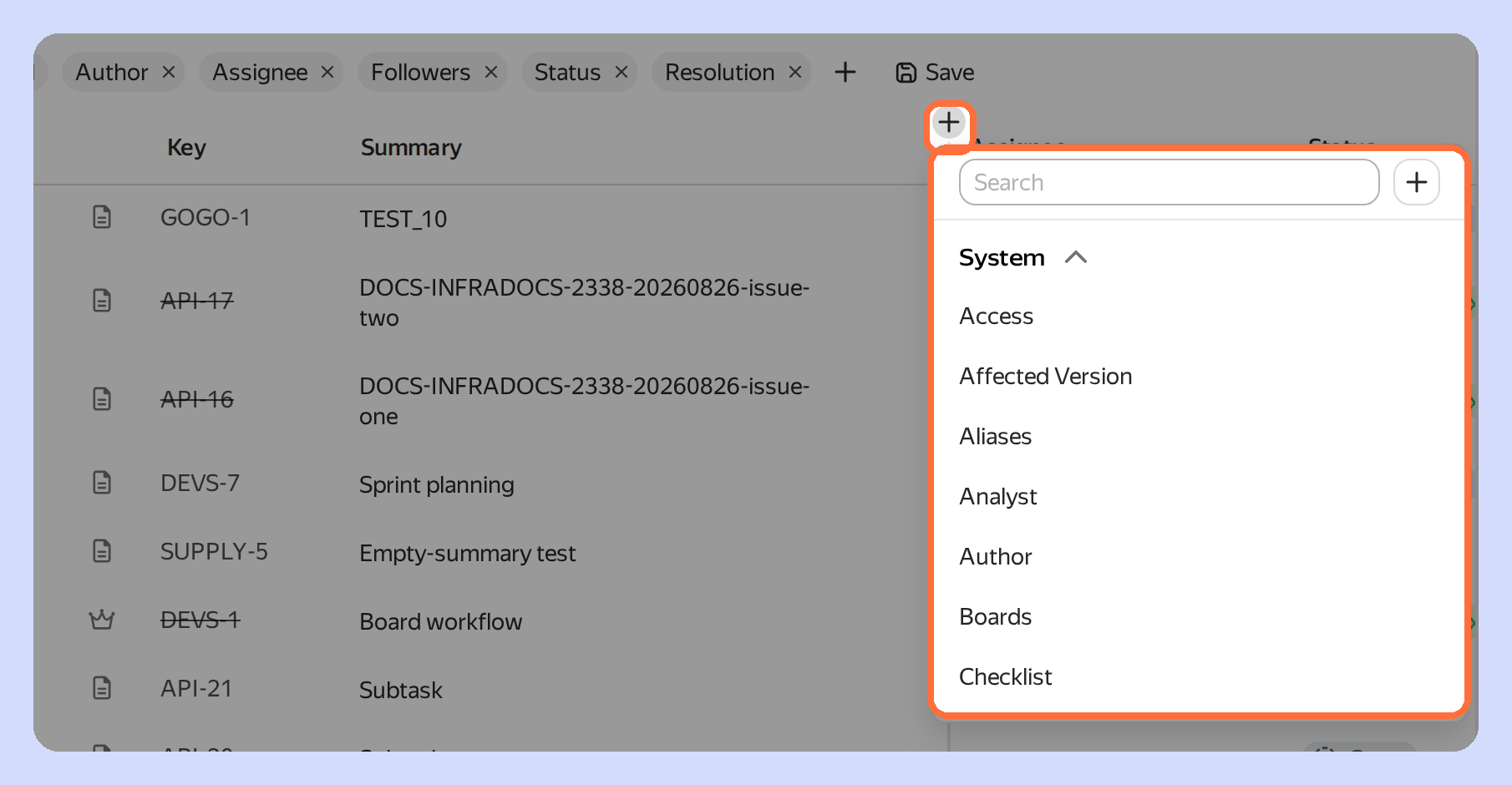
New ways to work with the issue list
New ways to manage the issue list are now available:
Queue icon and cover
You can now configure an icon and cover for a queue. The icon is displayed next to the queue name and will highlight the queue in the list, making it easier to find. The cover is displayed at the top of the queue page and sets its visual style.

Searching for projects and goals by participant or owner
The Participant or owner field has been added to the filters in the lists of projects, portfolios, and goals. It shows objects where the selected employee is a participant or is listed as the owner.