Dashboards
Dashboards let you track the status of important issues on a single page. You can arrange widgets on your dashboard to display useful information. They can show issue lists, statistics on issue completion, pivot tables, or notes.
The widget content is generated automatically. The list of issues that a widget is based on is set using filters. You can find sample widgets for your support team in Collecting request statistics.
The issues you do not have access to won't be added to the dashboard.
You can create several dashboards with different sets of widgets and switch between them under Dashboards and reports. For example, you can use one dashboard for your personal issues and another for your team's issues.
Dashboard for a manager
A dashboard helps you track your team's work: monitor employee workload, identify problematic issues, and view analytics. For example, you can add:
- Issues widget with overdue and blocked issues.
- Team performance widget with the amount of work completed by your team.
- Yandex Calendar with your meetings.
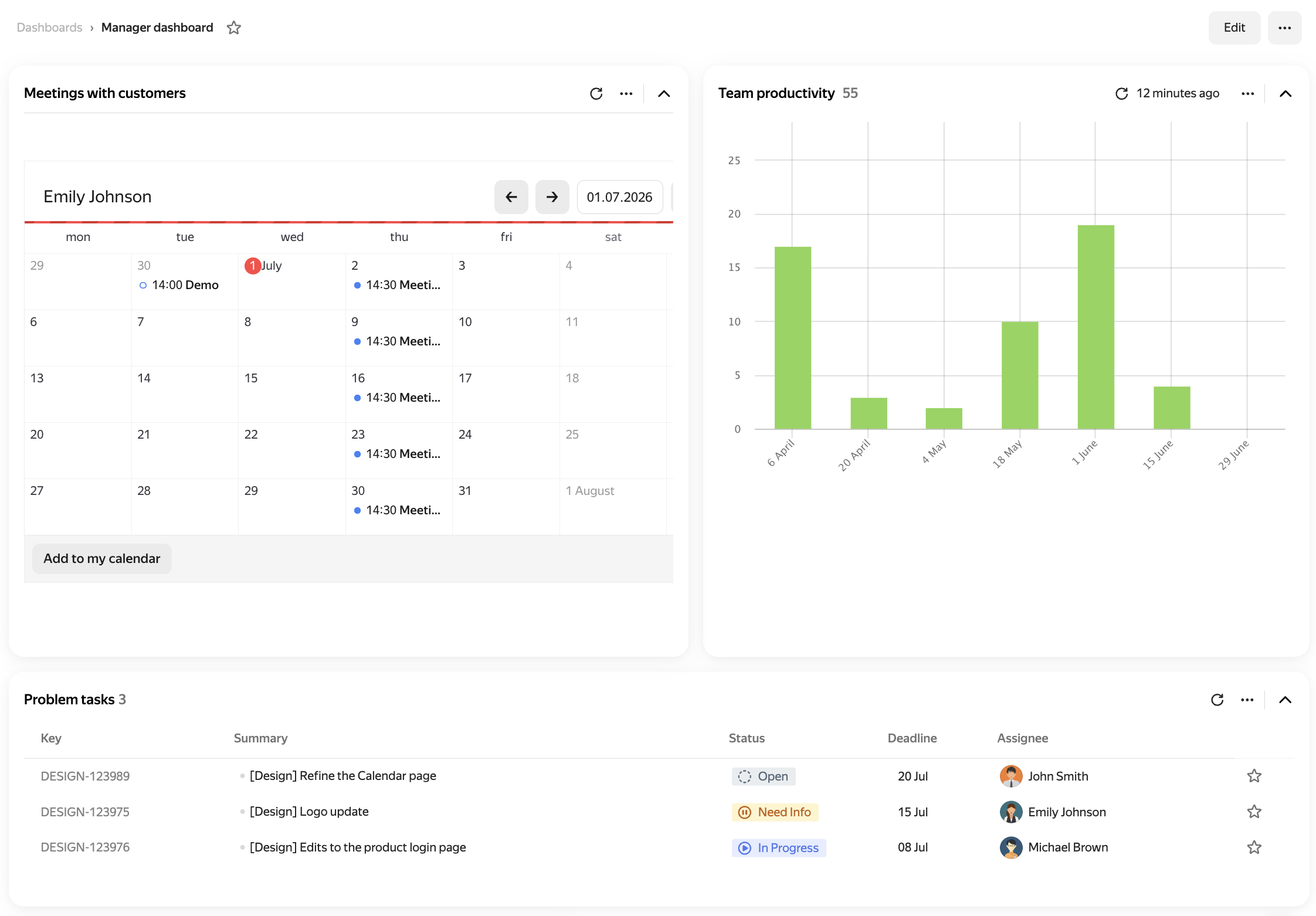
Sample dashboard
Dashboard for an assignee
A dashboard helps you organize your personal work: view your issues, deadlines, and daily notes. For example, you can add:
- Issues widget with new issues where you are the assignee.
- Issues widget with your issues that are approaching their deadline.
- Note widget with your plan or reminder.
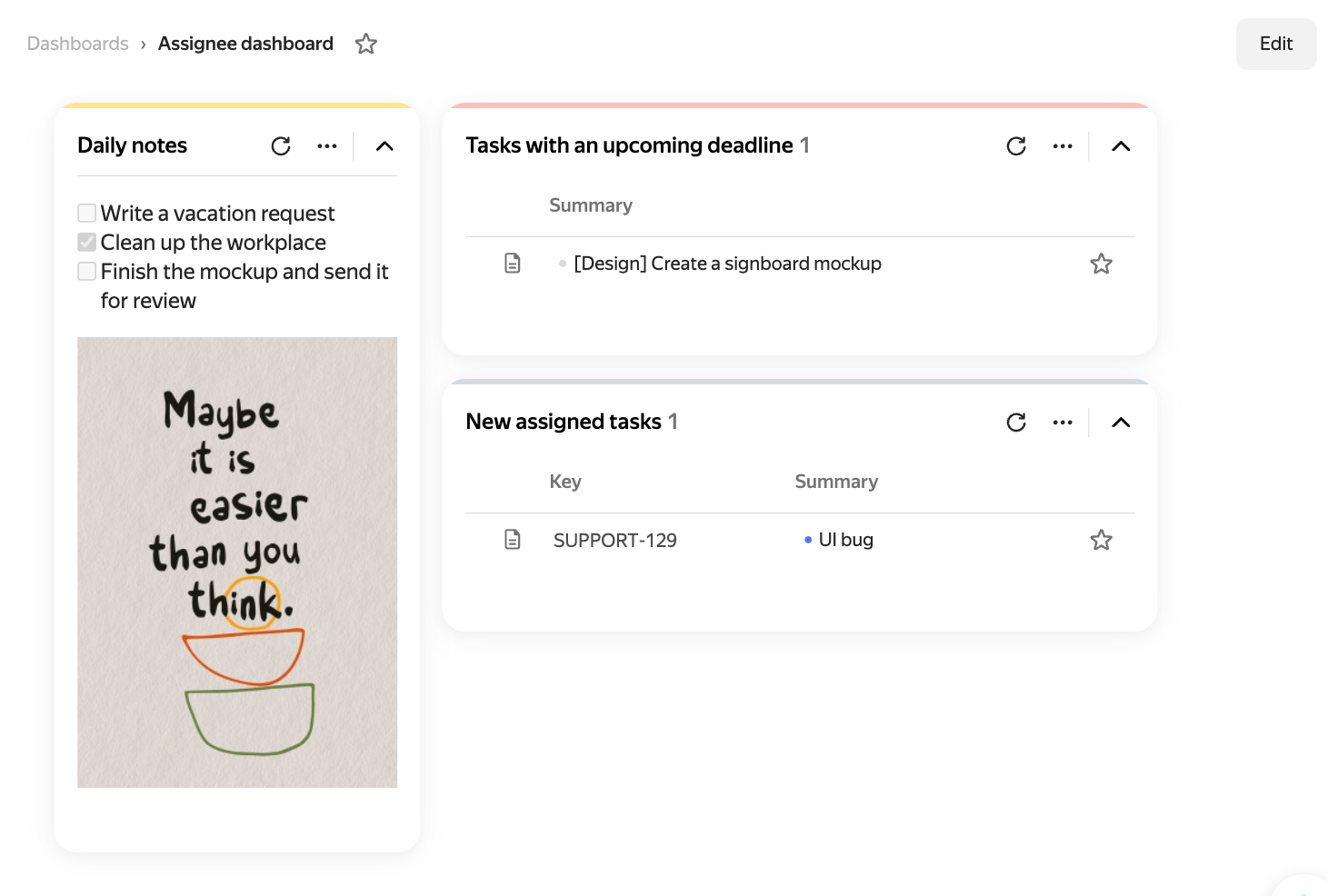
Sample dashboard