Yandex Wiki change history for December 2025
- Added image zoom capability
- Search and replace text on a page
- Updated left panel design
- Collaborative page editing
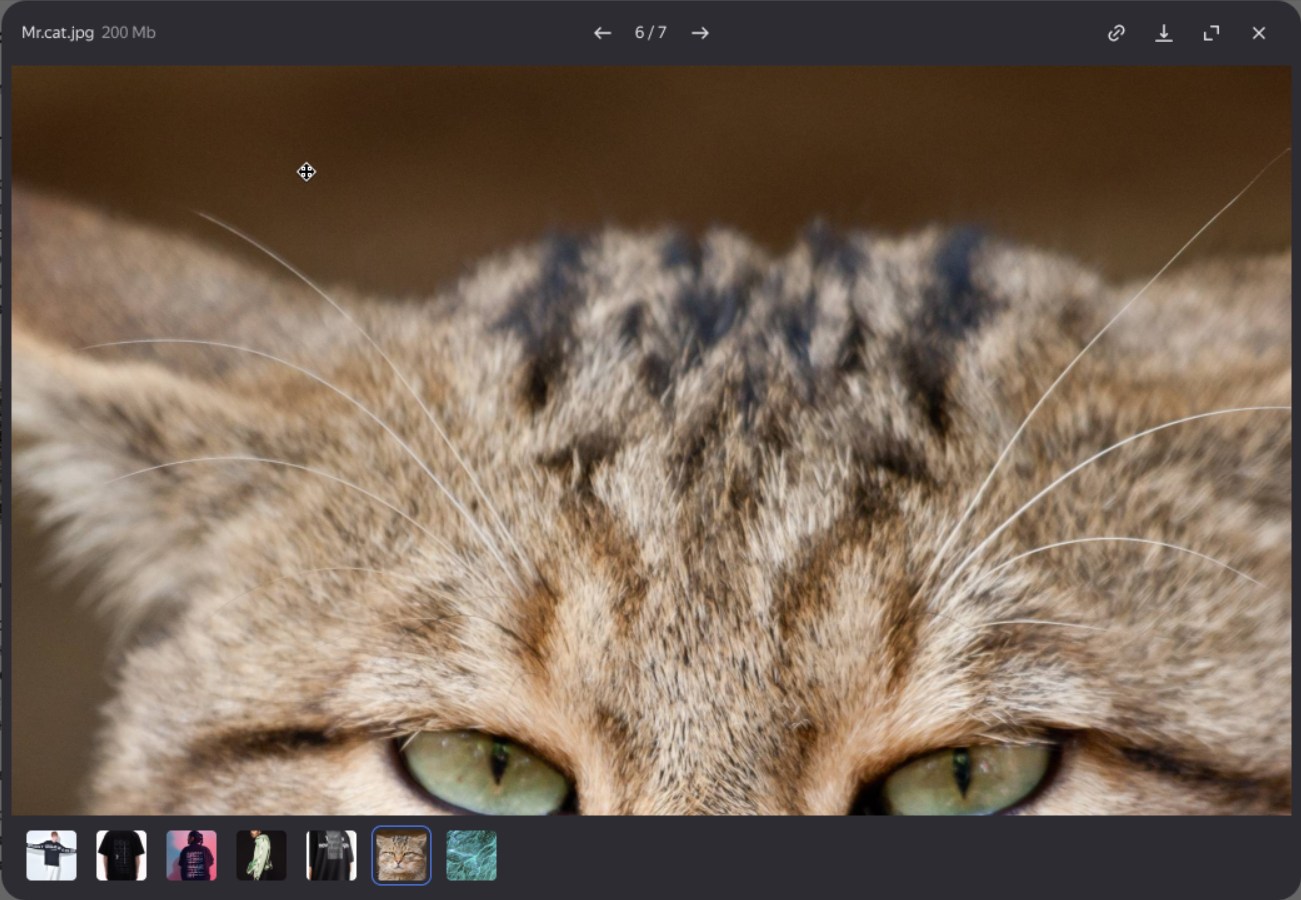
Added image zoom capability
You can now zoom in on any image uploaded to a page. To do this, click the image to open it in gallery mode, then click again to zoom in. Learn more under Viewing images.
Search and replace text on a page
The page editing mode now offers enhanced text search capabilities:
- Case-sensitive search or exact match with the search query.
- Replace found text fragments with new text.
Learn how to use search and replace on the Finding text on a page page.
Updated left panel design
Wiki now has the same design as other Yandex 360 for Business services. For Yandex Cloud Organization users, the appearance remains unchanged.

Collaborative page editing
You can now edit a page simultaneously with colleagues without worrying about conflicts and see all users' changes in real time before publishing the new version. To do this, enable collaborative editing mode when creating a page or in its settings. How to enable collaborative editing
Was the article helpful?
Previous
Next