Creating a Tracker issue from page text
You can create a Tracker issue from any text fragment on a Wiki page without switching to another service. For example, you can quickly turn project plan items into separate issues.
To create an issue:
-
Select the text fragment you need.
-
Click Create task:
In page view modeIn visual editor modeOn the pop-up toolbar, click Create task.

On the pop-up toolbar, click the icon.
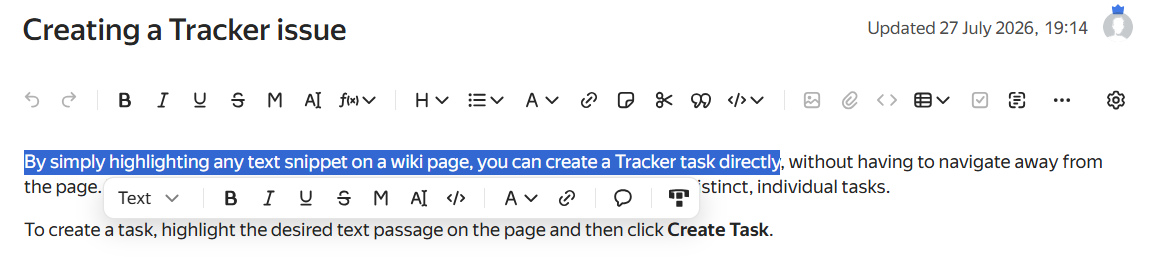
To learn about the editor modes available in Wiki, see Editor modes.
-
Check the issue title and description. The selected text will be added to both fields, with only the first 200 characters added to the title.
-
Click Create issue.
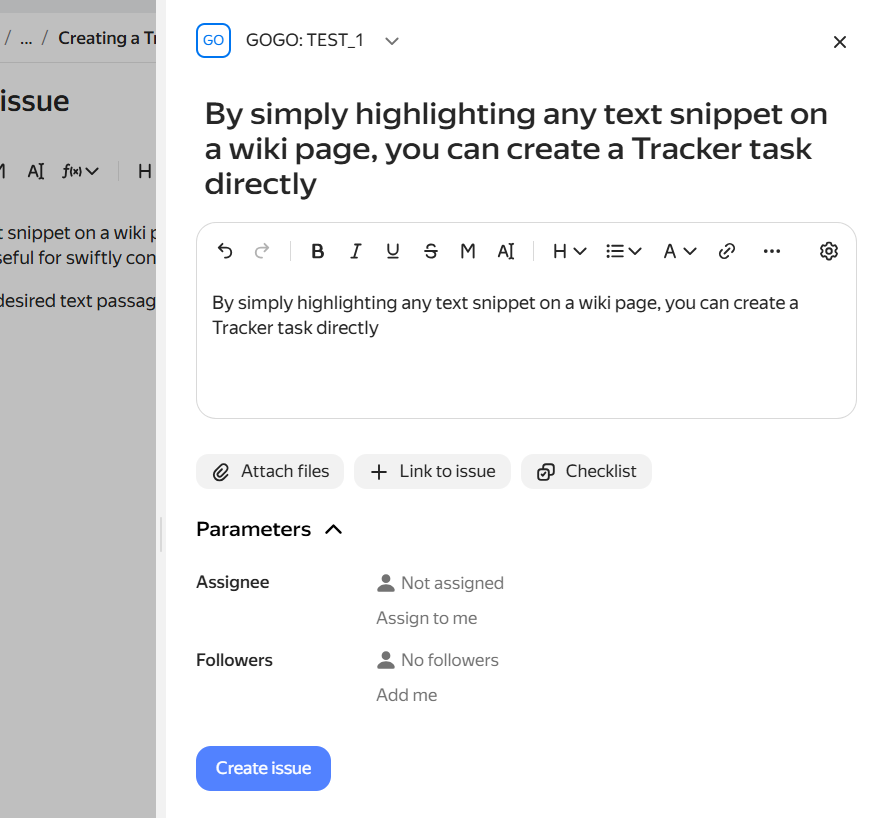
The Wiki page and the created issue will be linked automatically. Managing links between a page and issues
Was the article helpful?
Previous
Next